Document it by doing it.
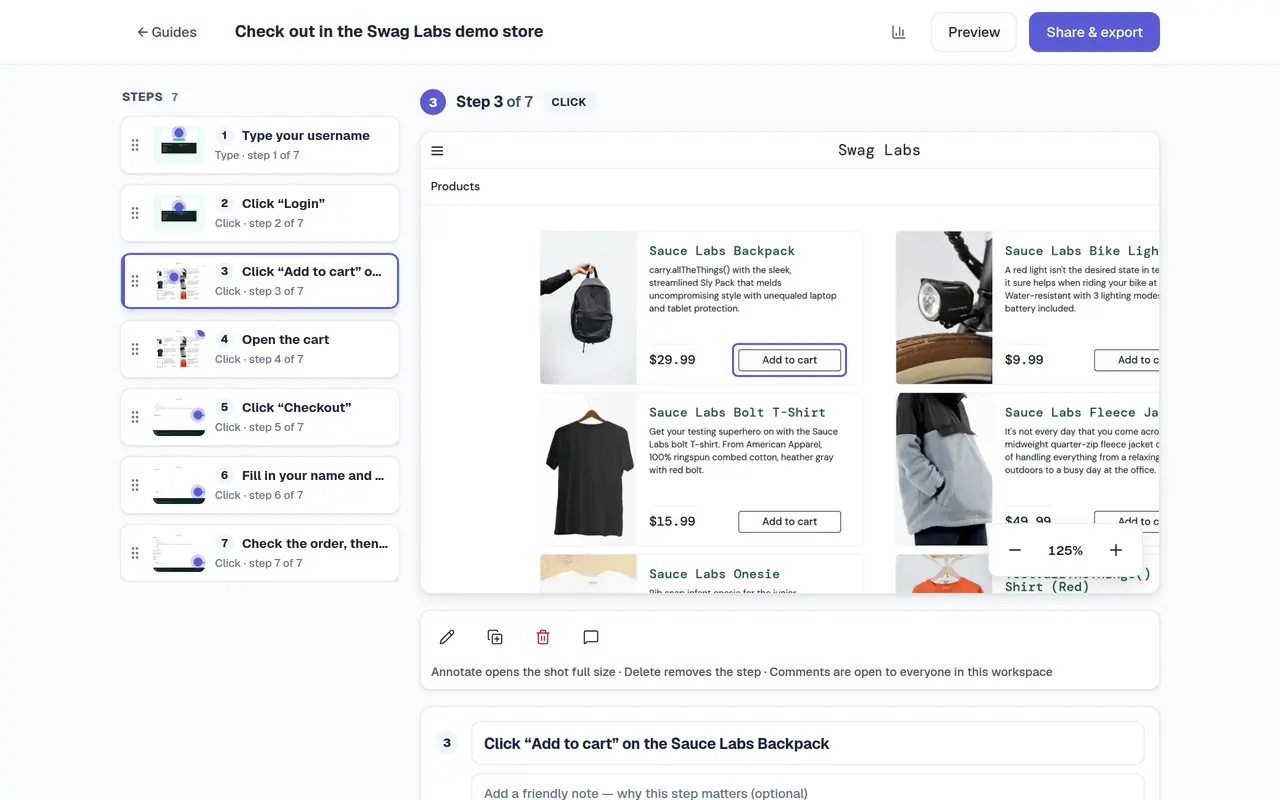
Click through a process once. MariaGuides captures every step with a screenshot, lets you blur what's private, and gives you a guide people can follow.
- No credit card
- 25 guides free
- PDF and Markdown on every plan
Guide me
Don't send a wall of text. Send a walkthrough.
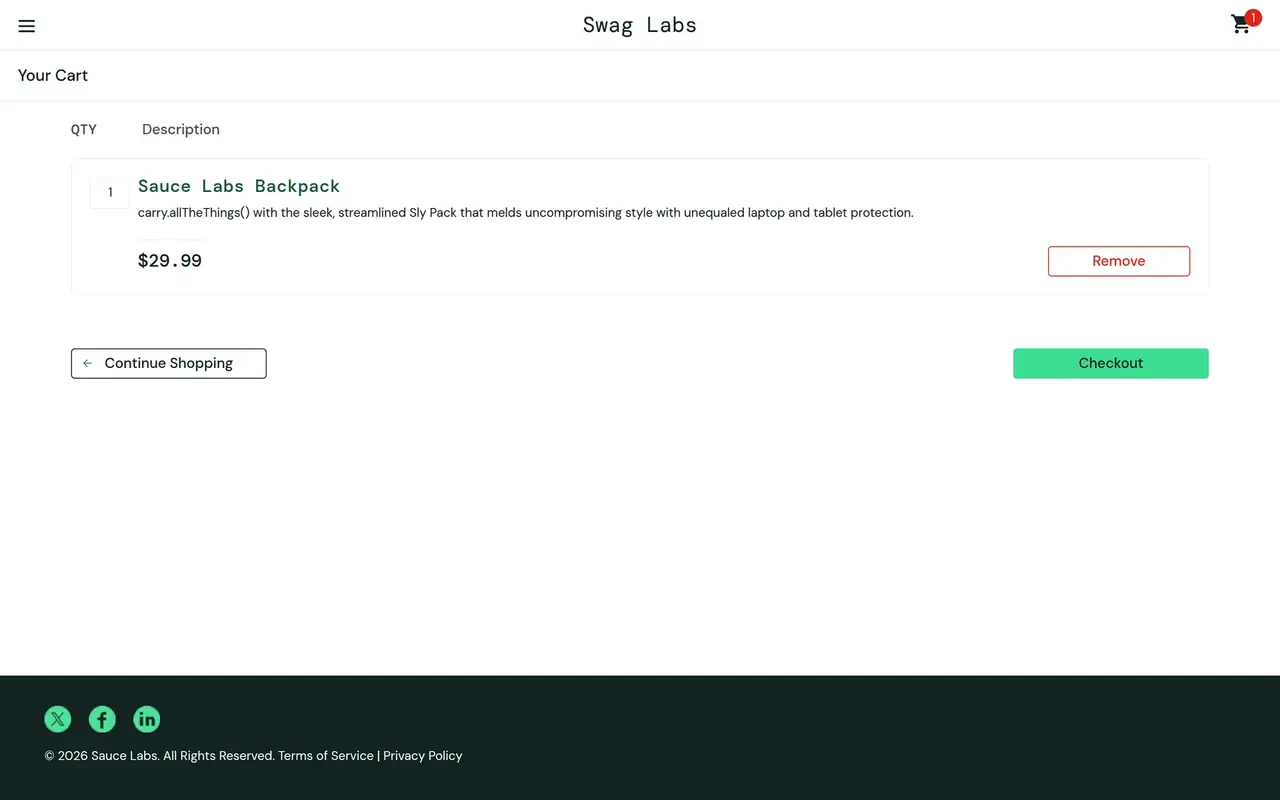
Share a guide, and your reader can press Guide me: MariaGuides opens the real app, rings the control to click, and moves on when they click it.
Your reader needs the free MariaGuides extension for Chrome and a free account. Sharing is on Pro.
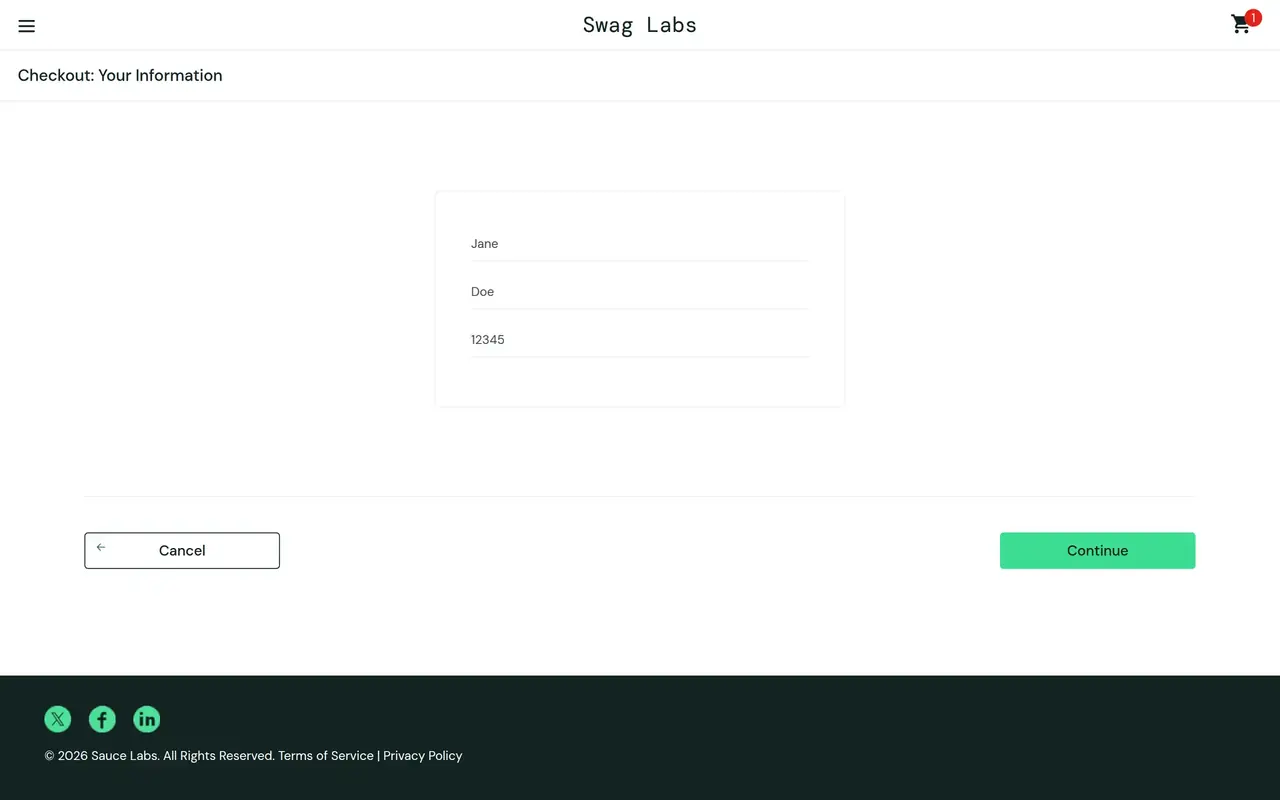
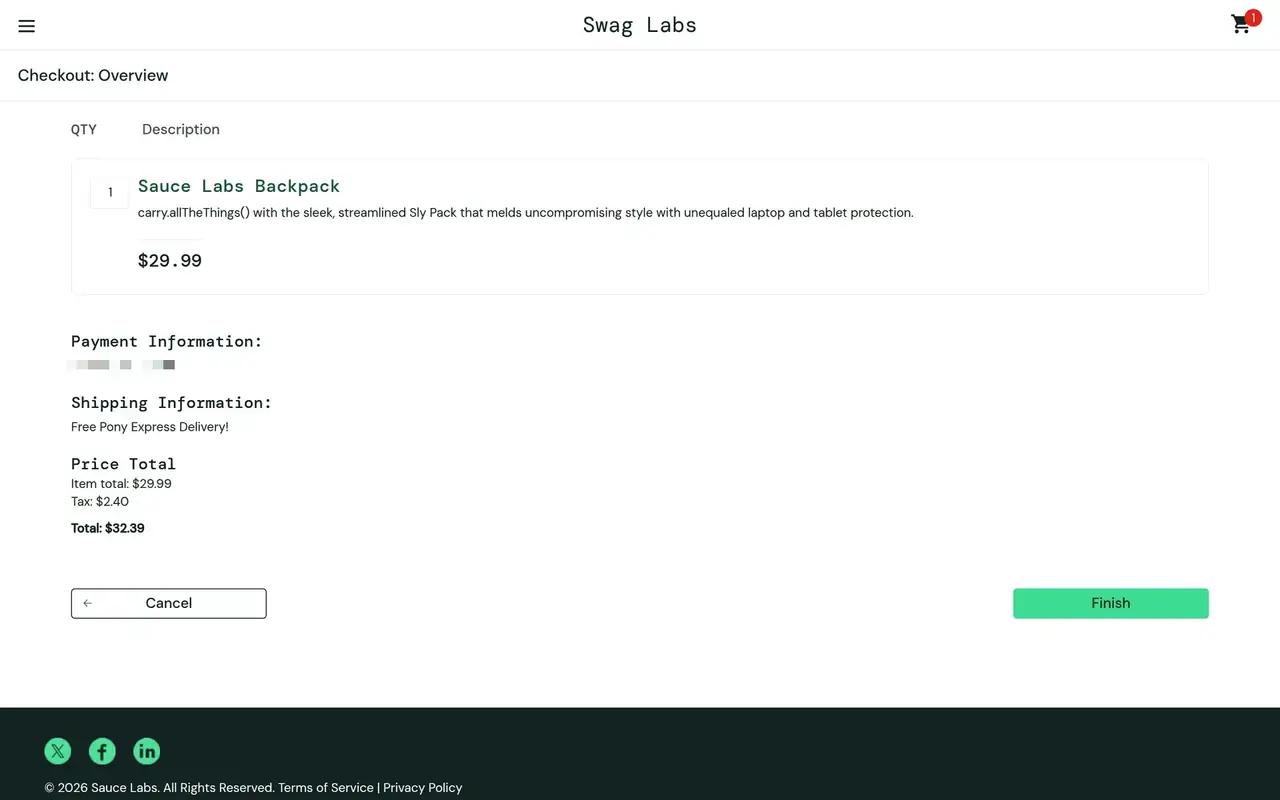
Step 1 of 3
Click “Checkout”
Step 1 of 3: Click “Checkout”
A demo. In a shared guide, this runs in the real app.
Six verbs. One guide.
Record
Click through the process in Chrome. MariaGuides writes the steps as you go.
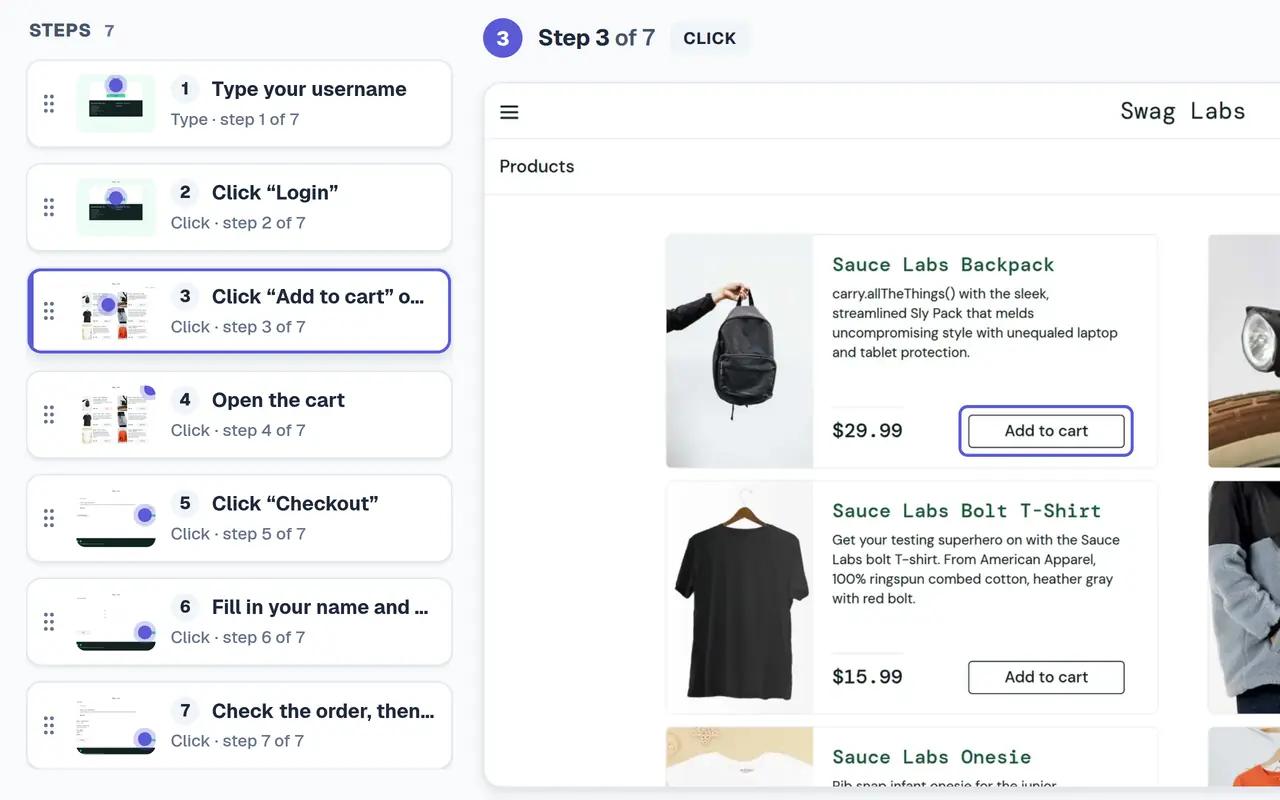
Redact
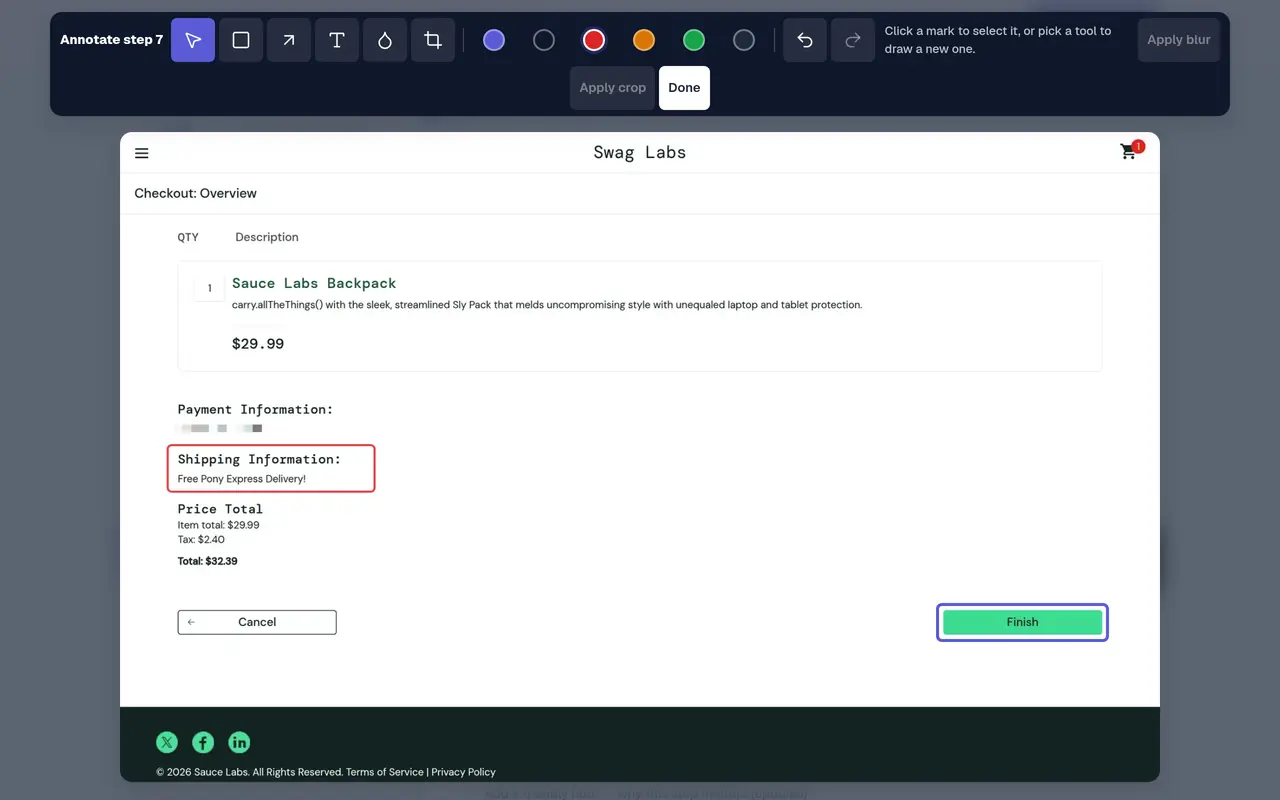
Blur emails, keys and customer data. Applying a blur replaces the pixels in the stored image, and the original is deleted.
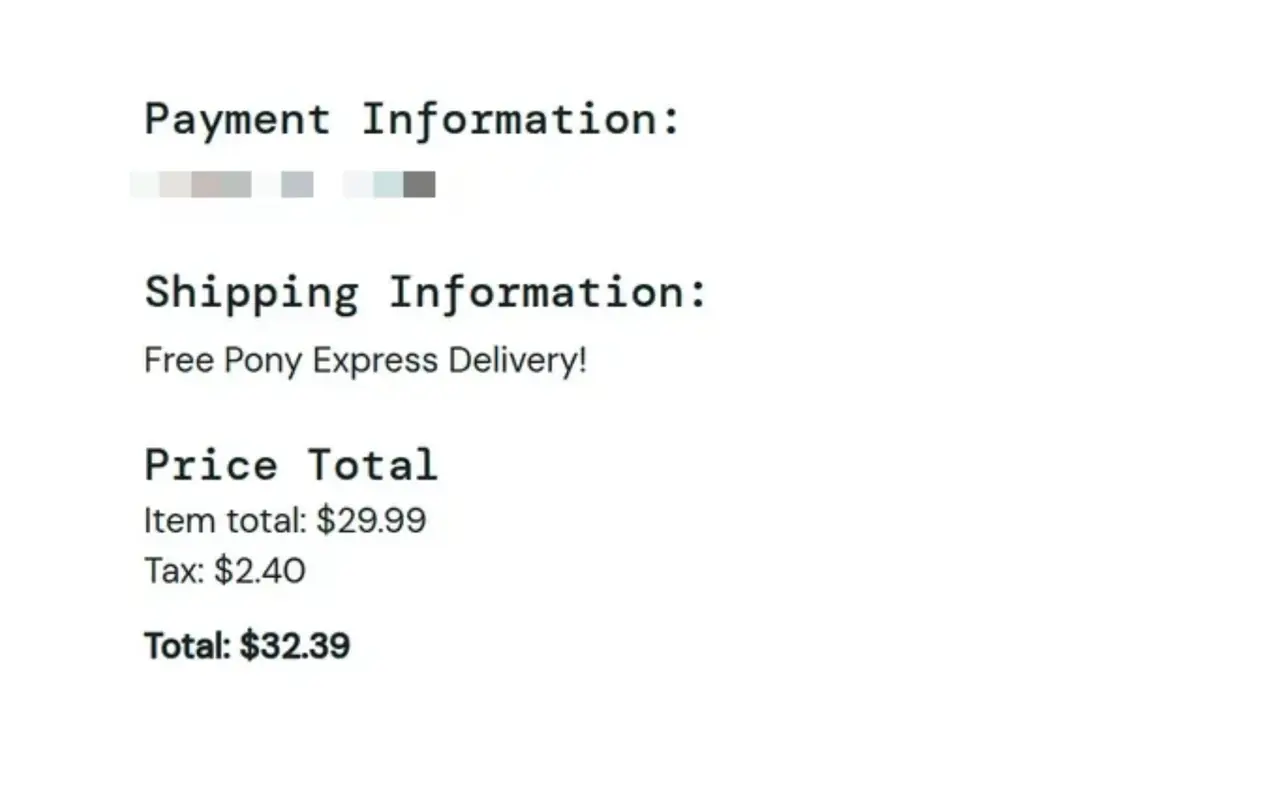
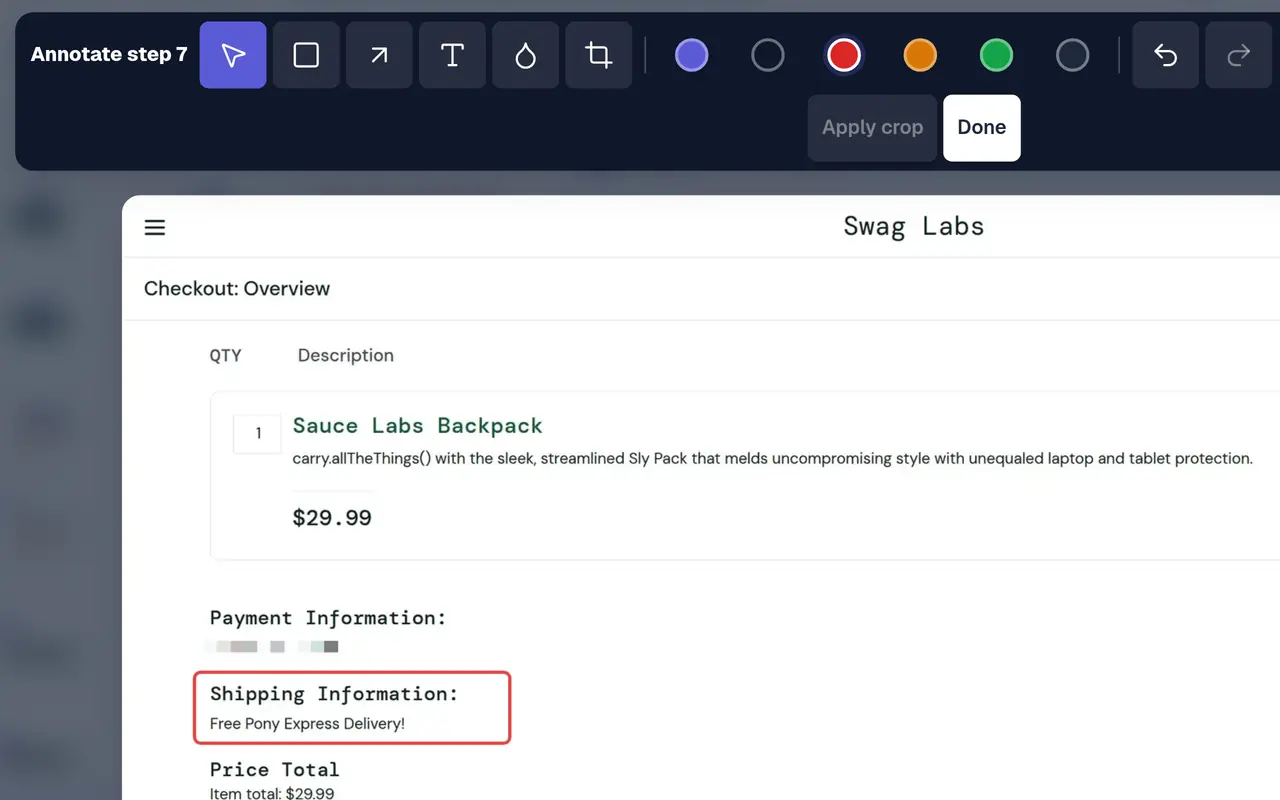
Annotate
Boxes, arrows and labels, placed on the step and kept in place at any size.
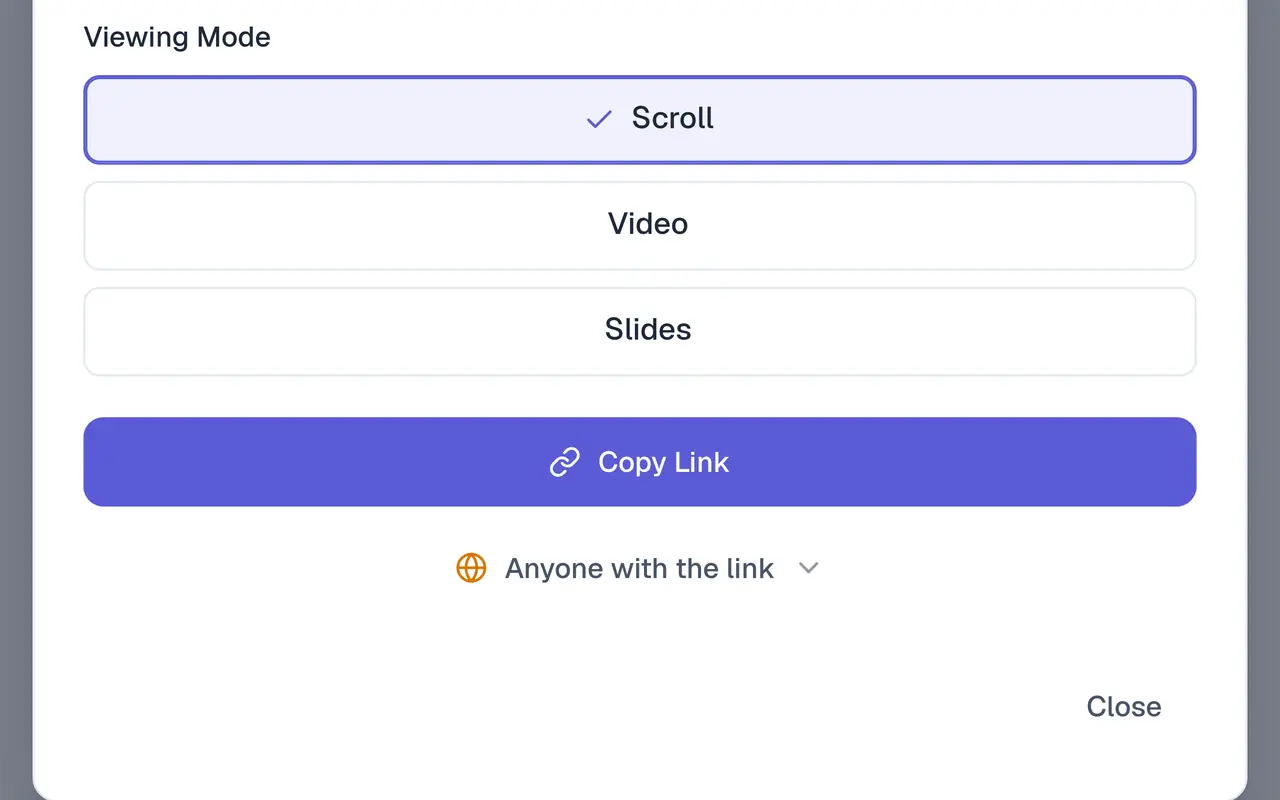
Share
A link that opens as a page, slides or a video, with Guide me for readers who have the extension. On Pro.
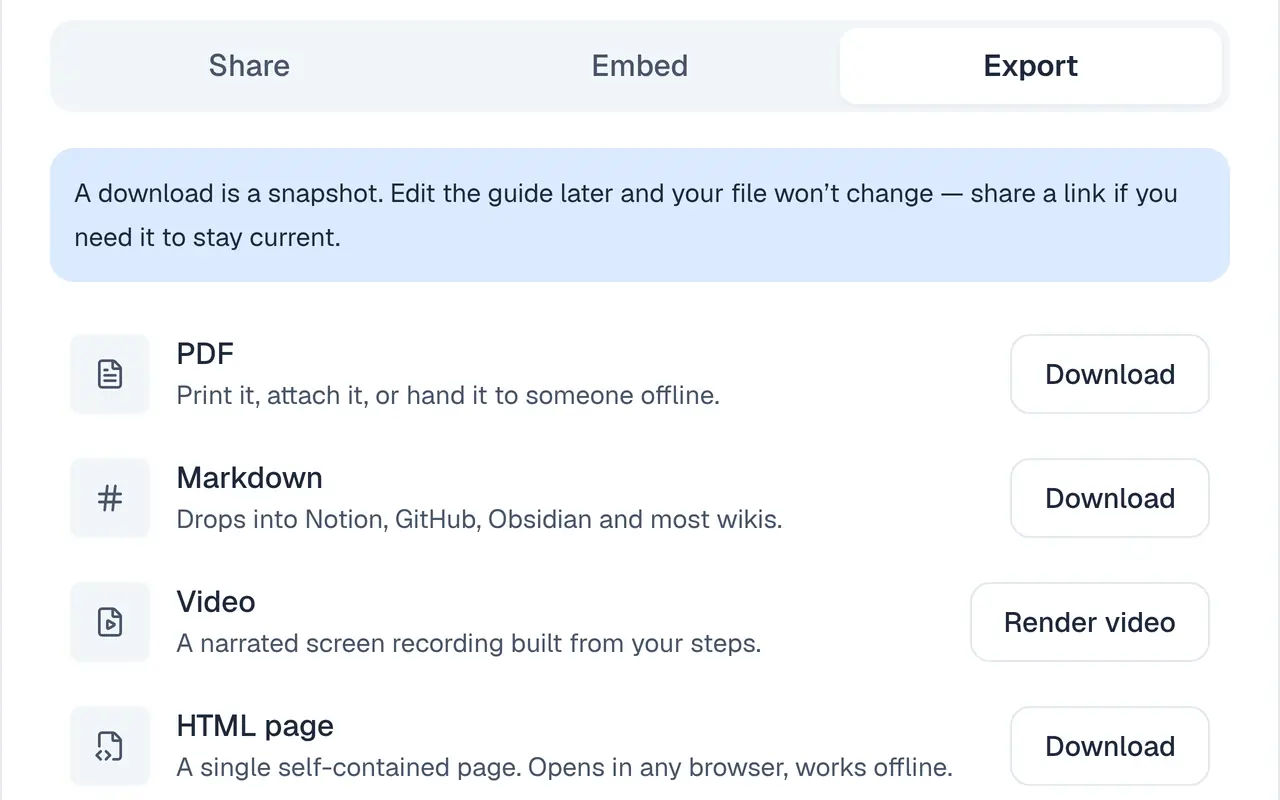
Export
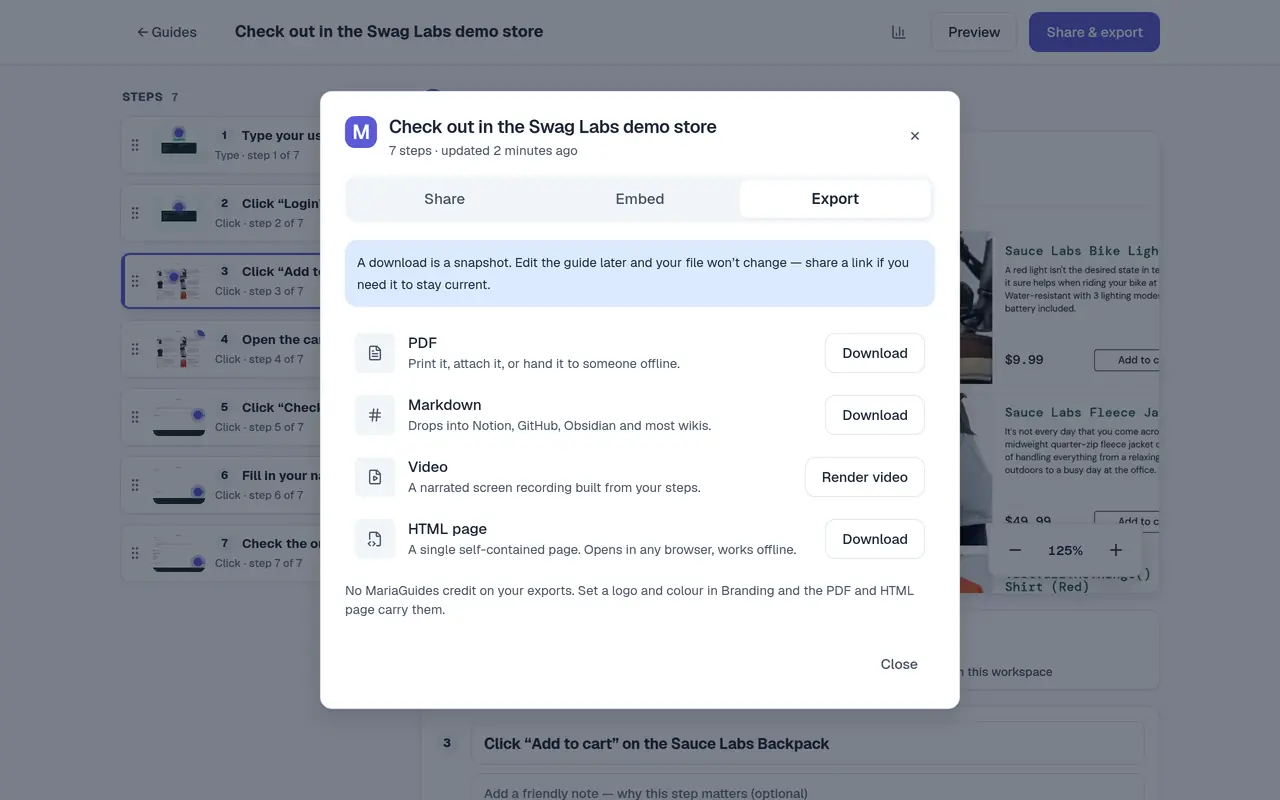
PDF and Markdown on every plan. Video and HTML page on Pro.
Measure
How many people opened each guide, on every plan. Who finished, how long it took and where people stop, on Pro.
What you get before you pay
Free plans compared. Half of these tools hold back PDF until you upgrade, and none of them lists Markdown.
| Free plan | MariaGuides |  Tango Tango |  Scribe Scribe |  Supademo Supademo |  Guidde Guidde |  MagicHow MagicHow |  Haiku (by WalkMe) Haiku (by WalkMe) |
|---|---|---|---|---|---|---|---|
| PDF export | Yes, with a small footer | No | No | Yes | No | Yes | Yes |
| Markdown export | Yes | No | No | Not listed | Not listed | No | No |
| Share by link | No (Pro) | Yes | Yes, 10 at a time | Yes | Yes | Yes | No |
| Free items | 25 guides | 5 workflows | Not listed | 5 demos | 25 videos | 10 guides | 10 guides |
Checked 21 October 2026 on each vendor's own pricing page. “Not listed” means the vendor's pages don't say.
Product names and logos belong to their owners. No endorsement is implied.
Private by default
Blur what's private and the blur becomes the image: the original pixels are deleted, not covered.
A blur you can't undo
Applying a blur replaces the stored screenshot, and the original is deleted. On every plan.
Readers don't need an account
Anyone with a public link reads the guide in any browser without signing in. Guide me asks your reader to sign in, because it runs in their own browser.
Two-factor sign-in on every plan
Authenticator-app codes with recovery codes. Verified domains with auto-join on Pro.
Questions.
Is the free plan really free?
Yes. 25 active guides with PDF and Markdown export, no credit card and no time limit. Free exports carry a small "Made with MariaGuides" footer.
Do people who read my guides need an account?
No. Anyone with a public link reads the guide in any browser. Guide me, which walks them through the real app, needs the free extension and an account. Share links are on Pro.
What does Guide me do?
It opens the app the guide was recorded in, rings the control to click, and moves to the next step when your reader clicks it. It runs in Chrome with the MariaGuides extension.
Can I hide private information?
Yes. Blur any area. Applying it replaces the pixels in the stored image and deletes the original, on every plan.
Which browsers?
Recording and Guide me need Chrome and the MariaGuides extension. Guides open in any browser.